Which AI Tool Is Right For You?
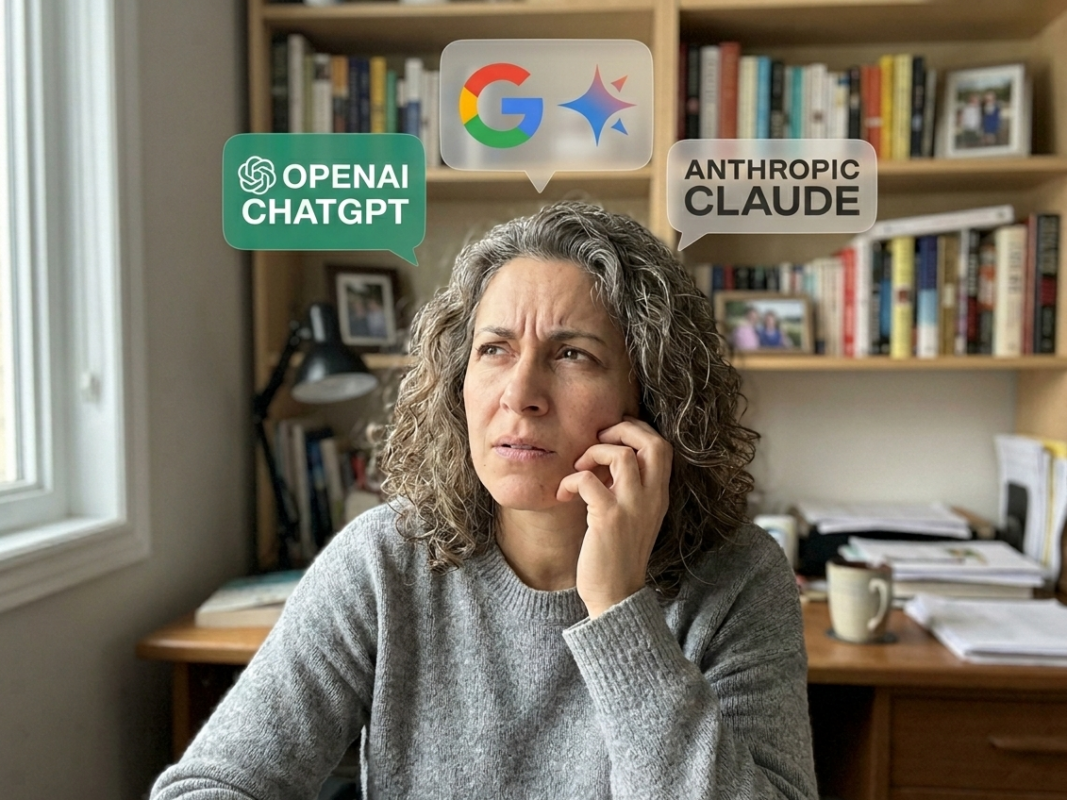
ChatGPT vs. Claude vs. Gemini: Which Tool Is Right for You?
You’ve heard the names. Maybe someone at work mentioned one of them, or you saw a headline, or your kid said “just use AI” as if that explains anything. You’re not avoiding it because you’re not interested – you’re avoiding it because nobody has made it simple enough to actually start.
It’s a bit like standing in the wine aisle when someone just asked you to “grab something nice.” There are too many options, they all look vaguely similar, and you’re not entirely sure what you’re supposed to be evaluating. What you really want is for someone who knows their stuff to just lean over and say: here, get this one, you’ll like it.
That’s what this article is. Lean in.
First: The Quick Introductions
Here’s a plain-language summary of each one:
ChatGPT (made by OpenAI) is the one everyone’s heard of – the Kleenex of AI. It’s been around the longest, has the most users, and is the most well-rounded tool of the three.
Claude (made by Anthropic) is the thoughtful one. It’s known for writing that actually sounds like a human wrote it, handling nuanced or sensitive topics carefully, and being very easy to have a real back-and-forth conversation with.
Gemini (made by Google). If your life runs on Gmail, Google Docs, and Google Calendar, Gemini is woven right into that world. It’s fast, capable, and deeply integrated with tools you may already use every day.
All three have free versions you can start with today – no credit card, no commitment. Just go to chatgpt.com, claude.ai, or gemini.google.com and set up a free account. You have nothing to lose.
A Word About Paying
The free tiers are a perfectly fine place to start. But it’s worth knowing that for about $20/month, the paid versions of each platform unlock features that make a noticeable difference – and a few of those features come up in this article.
The biggest one is Memory: the ability for AI to remember things about you across conversations. Tell it once that you’re a retired teacher, that you live in Canada, that you prefer short answers, that you have a bad knee and can’t do high-impact workouts – and it carries that context into every conversation going forward. Alternately, without memory every conversation starts from scratch, which is a bit like having a very helpful assistant who forgets everything you told them the moment they leave the room. I speak from experience; it can get a little frustrating repeating yourself.
ChatGPT has had memory on its paid plan for a while. Claude recently rolled out memory to it’s free users (good timing!), and Gemini appears to be following suit. So the gap is narrowing – but the paid plans still offer more usage, more capability, and fewer “sorry, you’ve reached your limit” interruptions, which gets annoying fast once you’re actually relying on these tools in your day to day.
If you try the free version and find yourself bumping up against limits, that’s a good sign it’s worth the upgrade. Think of it like a gym trial. You sign up for the free week, you actually go, and then you realize “okay, I’m actually doing this”.
Ask Yourself These 3 Questions
Here’s the simple framework that will point you in the right direction. No wrong answers, no trick questions.
Question 1: What do you mostly want AI to do for you?
Think about why you actually want it – not what you think you should use it for, but what would genuinely make your life easier. Pick the scenario that sounds most like you:
“I want help with writing things.” Drafting emails, replying to a tricky message from someone at work, writing a speech for your kid’s wedding, polishing up something you’ve written before you send it. Maybe you just want to get your thoughts out of your head and into something that reads well.
- Your best starting point: Claude. It has a warm, natural writing style and is exceptionally good at matching your tone. You can paste in something you wrote and ask it to clean it up without losing your voice – and it actually listens. Of the three, Claude produces writing that sounds the least like it was generated by a robot.
“I want a digital assistant that gets to know me.” Helping you plan, answering questions, brainstorming ideas, keeping track of your preferences over time – something that feels less like a search engine and more like a knowledgeable friend.
- Your best starting point: ChatGPT. Its memory feature is the most mature of the three and genuinely changes the experience over time. The more you use it, the more useful it gets. It also has the broadest range of add-on tools and integrations, which is handy as your confidence grows.
“I basically live in Google.” Your email is Gmail, your documents are in Google Drive, your calendar is Google. You already have a Google account you use every single day.
- Your best starting point: Gemini. It can read your Gmail, work with your Google Docs, and sit inside the tools you already know. If switching apps feels like extra effort – which is fair, because it is – Gemini removes that friction. It’s AI that already has its feet under your table.
Question 2: How much of your AI use will involve work?
“Work” looks very different for everyone right now, so be honest with yourself about which of these sounds like you:
If you’re still working full-time: think about what takes up the most time. Emails, reports, presentations, preparing for meetings, researching something on a deadline? ChatGPT’s broad capability and solid document handling makes it a reliable all-rounder for mixed professional tasks. Claude is the stronger choice if your work involves a lot of writing, communication, or anything where tone matters – think HR, client-facing roles, management, or anything where “professional but not stiff” is required.
If you’ve shifted to part-time or made a career change: you probably want something flexible that handles a wide range of tasks without demanding much of a learning curve. All three are genuinely capable here. ChatGPT’s familiarity and breadth tends to make it the lowest-friction starting point.
If you’re retired, or work doesn’t really factor in: your use cases are likely more personal. Planning a trip, researching a health question, figuring out a new gadget, writing a thoughtful message, researching a topic of interest, or making sense of a complicated situation. All three handle this well; Claude and ChatGPT tend to be the easiest to have an actual conversation with, which matters when you’re using AI the way you’d use a smart, patient friend – rather than a search bar.
Question 3: How much does accuracy matter for how you’ll use it?
This one is worth a moment of thought, because it’s less obvious than the others.
All three AI tools are very capable, and all three can occasionally get things wrong. It’s not common, but it happens. The technical term for when AI confidently tells you something incorrect is “hallucinating,” which is a very dramatic word for what is essentially confident wrongness. (we’ve all met people like this. AI is not immune.)
If you’re planning to use AI for things where being wrong has real consequences – researching a health topic, understanding a financial decision, navigating something legal or bureaucratic, Claude is widely considered the most careful of the three. It’s less likely to present incorrect information with full confidence, and more likely to flag uncertainty rather than breeze over it. That carefulness is actually a feature, not a limitation.
For general everyday use – planning, brainstorming, writing, researching things that are low-stakes – all three are reliable enough that this distinction doesn’t need to drive your decision.
So, Which One?
Here’s the plain summary:
Start with ChatGPT if you want the most flexible, well-rounded tool; you like the idea of something that remembers you and gets more useful over time; and you want one thing that can handle a wide variety of tasks at least very well.
Start with Claude if you’ll use AI primarily for writing, communication, or research – especially anything where tone, nuance, or accuracy really matters. It’s also the most pleasant to have a long conversation with. Think of it as the one that actually listens.
Start with Gemini if your life already runs through Google and you want AI that works inside your existing tools rather than being yet another thing to open and switch between.
One more thing worth saying clearly: you are not locked in. All three have free tiers. You can try one for a couple of weeks and switch if it doesn’t click. There is no “wasted” experience as every conversation you have with any of these tools is you getting better at using AI, and that skill transfers.
Pick one. Try it on something real: an email you’ve been putting off, a trip you want to plan, a question you’ve been meaning to research. Let yourself be pleasantly surprised. Most people who feel hesitant before they start, feel genuinely capable within a couple weeks of actually using it.
Hope that was helpful. Let me know how you get on in the comments below!
Already using AI but not getting great results? The problem is probably your prompts – read How to Write AI Prompts That Actually Work. And if you’re brand new to all of this, How to Use AI in Everyday Life is the place to start.
Share this post with a friend:
Copy LinkLink copied!