Skip to content
everydaytracy
  • Home
  • Food
  • Lifestyle
  • TechExpand
    • Tech Articles
    • AI Lessons
  • Favourite Things
  • About EverydayTRACY
  • Contact Us
everydaytracy
  • How to write AI prompts

    How to Write AI Prompts That Actually Work: Beginner’s Guide

    July 27, 2025July 27, 2025

    I remember the first time I tried using AI. I typed in a question, hit enter, and waited for the magic. What I got back was… not magic.

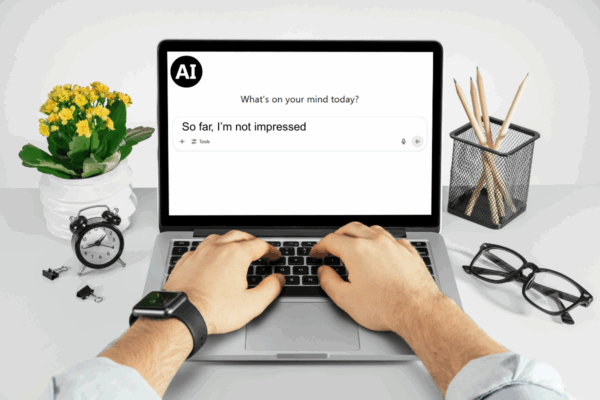
    Read More How to Write AI Prompts That Actually Work: Beginner’s GuideContinue

  • Woman with glasses, sitting in front of laptop computer

    How to Use Artificial Intelligence in Everyday Life

    May 26, 2025January 29, 2026

    This beginner-friendly guide explains how you can use AI tools to save time, stay organized, and simplify life.

    Read More How to Use Artificial Intelligence in Everyday LifeContinue

  • Picture of a laptop with human hands typing and an AI chat bubble hovering above the keyboard

    AI Lessons: Lesson 5 Emails That Sound Like You

    January 18, 2025January 29, 2026

    A guide to using AI to write clearer, more confident emails that still sound like you.

    Read More AI Lessons: Lesson 5 Emails That Sound Like YouContinue

  • Picture of a laptop with human hands typing and an AI chat bubble hovering above the keyboard

    AI Lessons: Lesson 4 Everyday Decisions & Life Admin

    January 16, 2025January 29, 2026

    How to use AI to help with decisions, life admin, and mental load.

    Read More AI Lessons: Lesson 4 Everyday Decisions & Life AdminContinue

  • Picture of a laptop with human hands typing and an AI chat bubble hovering above the keyboard

    AI Lessons: Lesson 3 The Reusable Prompt

    January 15, 2025January 29, 2026

    A lesson on using flexible, reusable prompts to think things through, get unstuck, and organize ideas.

    Read More AI Lessons: Lesson 3 The Reusable PromptContinue

  • Picture of a laptop with human hands typing and an AI chat bubble hovering above the keyboard

    AI Lessons: Lesson 2 Start Messy

    January 14, 2025January 29, 2026

    This lesson shows how to brain-dump messy, unfinished thoughts into AI and let it organize them.

    Read More AI Lessons: Lesson 2 Start MessyContinue

  • Picture of a laptop with human hands typing and an AI chat bubble hovering above the keyboard

    AI Lessons: Lesson 1 AI in 10 Minutes

    January 13, 2025January 29, 2026

    This beginner AI lesson explains what AI is, how it fits into everyday life, and how to start using it without overthinking.

    Read More AI Lessons: Lesson 1 AI in 10 MinutesContinue

© 2026 EverydayTRACY

Instagram Instagram
everydaytracy
Manage Consent
To provide the best experiences, we use technologies like cookies to store and/or access device information. Consenting to these technologies will allow us to process data such as browsing behaviour or unique IDs on this site. Not consenting or withdrawing consent, may adversely affect certain features and functions.
Functional Always active
The technical storage or access is strictly necessary for the legitimate purpose of enabling the use of a specific service explicitly requested by the subscriber or user, or for the sole purpose of carrying out the transmission of a communication over an electronic communications network.
Preferences
The technical storage or access is necessary for the legitimate purpose of storing preferences that are not requested by the subscriber or user.
Statistics
The technical storage or access that is used exclusively for statistical purposes. The technical storage or access that is used exclusively for anonymous statistical purposes. Without a subpoena, voluntary compliance on the part of your Internet Service Provider, or additional records from a third party, information stored or retrieved for this purpose alone cannot usually be used to identify you.
Marketing
The technical storage or access is required to create user profiles to send advertising, or to track the user on a website or across several websites for similar marketing purposes.
  • Manage options
  • Manage services
  • Manage {vendor_count} vendors
  • Read more about these purposes
View preferences
  • {title}
  • {title}
  • {title}
Scroll to top
  • Home
  • Food
  • Lifestyle
  • Tech
    • Tech Articles
    • AI Lessons
  • Favourite Things
  • About EverydayTRACY
  • Contact Us